Map your workflow
Discuss how visitors, hosts, reception, security, and administrators work today.
 EntryPointBY RGX APPS
Bring a situation your team handles every week. We’ll walk through the guest’s registration, the host’s decision, reception check-in and checkout. You can explore the public demo first, or prepare an agenda below with the colleagues evaluating EntryPoint.
Prepare your team’s walkthrough first ↓
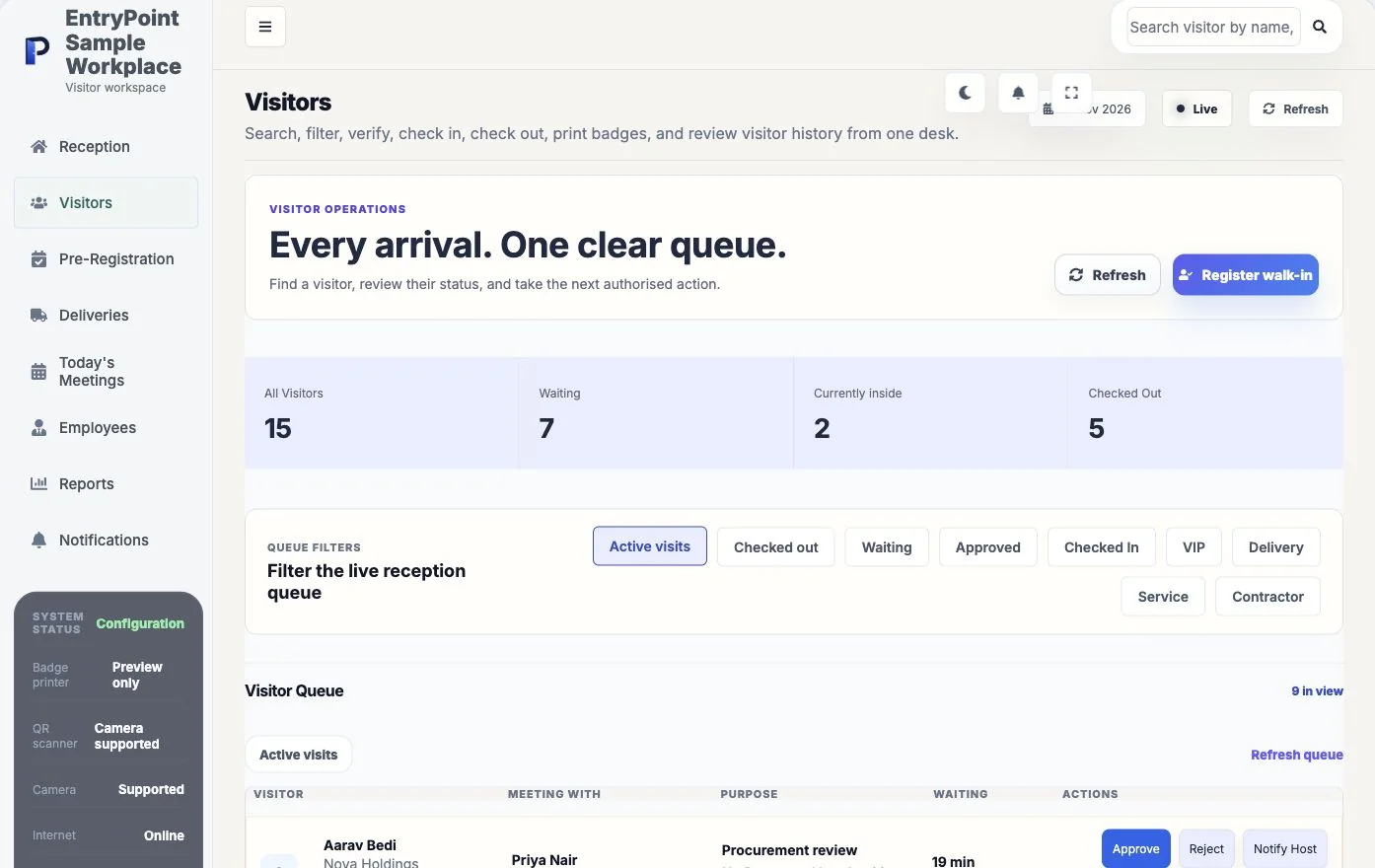
Give reception, your host and your manager one agenda to evaluate together. Choose a starting point; use the brief freely, with or without a demo.
An external guest arrives for a meeting.
Illustrative agenda, not a live product simulation or a customer result.
Explore this workplace workflowFind the waiting request and identify the next person responsible.
Review one request and try the decline path as well as approval.
Agree an unavailable-host procedure and test configured notifications.
A request remains distinct from approval, and approval remains distinct from physical arrival.
Invite: Reception, an employee host and your administration lead.
Agree who covers an unavailable host and which details the visitor actually needs to provide.
Your selections are added to the demo message for you to review and edit. Nothing is submitted until you send the enquiry.
Customer use: Prakash Machineries is using EntryPoint. Read the confirmed adoption story; measured outcomes are not yet published.
Customer feedback: Read submitted user reviews in their original context.
Your own evidence: Use the five-step trial checklist, discuss your workplace requirements and confirm notification setup, access permissions and device needs.
Discuss how visitors, hosts, reception, security, and administrators work today.
Focus the walkthrough on the EntryPoint workflows that matter to your organisation.
Review configuration, daily operation, records, notifications, and rollout considerations.
See what each part does, then try it with your own workplace process.
See registration, approval, pass generation, check-in, welcome guidance, and checkout.
Explore live queues, visitor recognition, deliveries, meetings, and operational actions.
Review employees, settings, permissions, communications, security, and workspace branding.
See how EntryPoint organises visitor records and operational insight.
The walkthrough can cover visitor check-in, reception, employees, approvals, security, communications, deliveries, reports, and workspace configuration.
Business owners, workplace managers, reception leads, HR teams, facility managers, security stakeholders, and IT administrators may find the demo useful.
Yes. The website includes a demo workspace for safe product exploration, while a guided demo can focus on your organisation's workflow.
Bring your questions and a real reception scenario. See the steps, check the handoffs and decide whether EntryPoint fits.