Consistent screening
Apply configured approval and identity requirements during the real visitor workflow.
 EntryPointBY RGX APPS
A good visitor policy needs a clear handoff. Set the details you collect, who can approve a request and who may record physical entry. EntryPoint gives your reception and security teams one process to follow and a visit record to review.
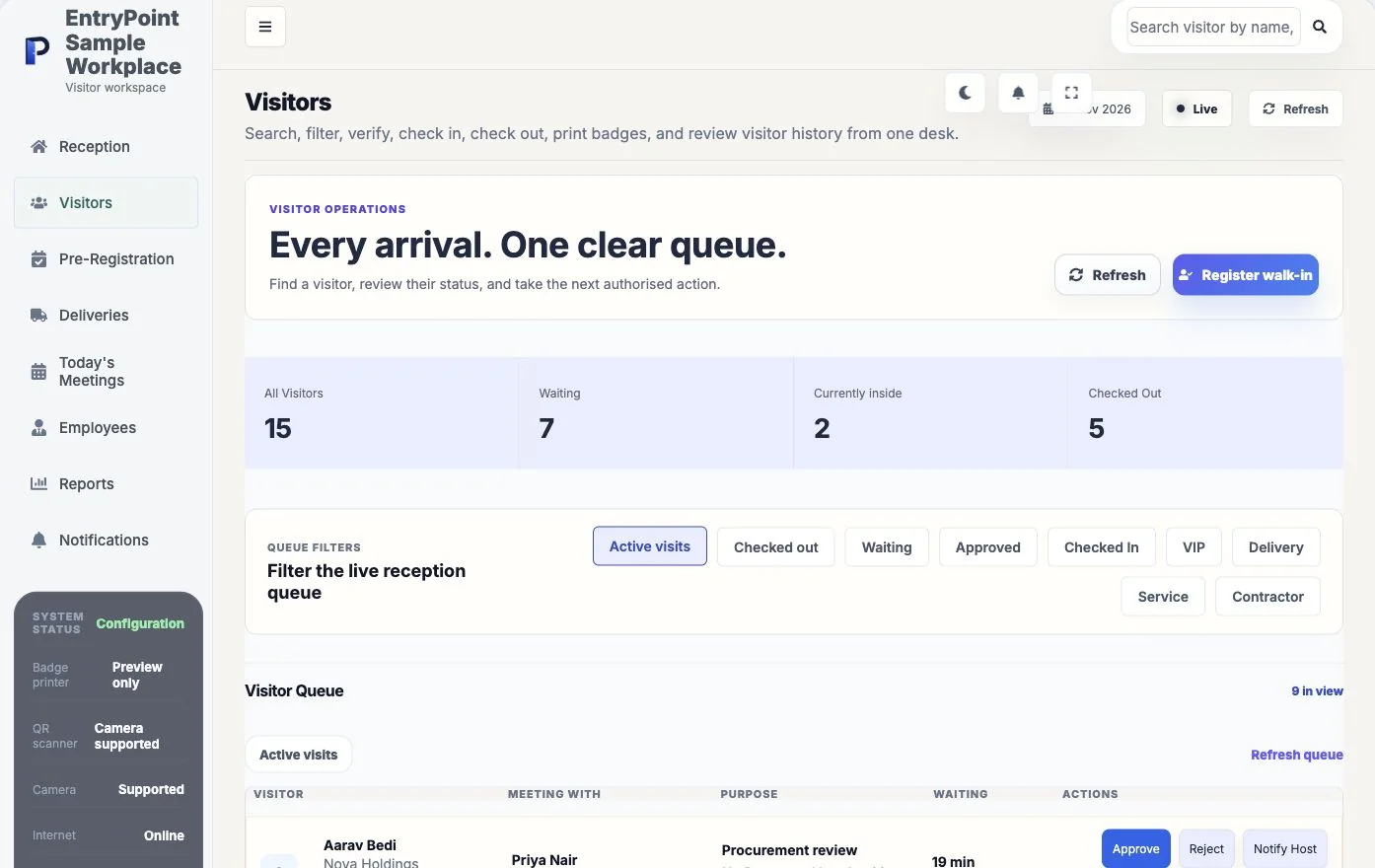
Your normal visitor may be easy to process. The more useful test is a declined request, an unexpected visitor or a host who cannot respond.
Bring this scenario to a team walkthroughAsk reception to explain what it can do while a request is pending. Check the configured approval and entry permissions.
Test the required questions and documents using synthetic details. Confirm who may review the information.
Keep your physical site procedure in place. Software records support the process; they do not replace a guard’s decision, an emergency procedure or a demonstrated access-control integration.
Apply configured approval and identity requirements during the real visitor workflow.
Flag matching watchlist records and stop matching blocklist records according to policy.
Connect security actions, visitor status, documents, and operational history.
See what each part does, then try it with your own workplace process.
Require host or administrator approval for selected visitor workflows.
Manage named records and apply matching behaviour during visitor submission.
Configure legal name, photo, ID, signature, and document requirements.
Control expiry, restricted times, visitor categories, and workplace entry rules.
Register or recogniseUse a purpose form, invitation, visitor search, or reception workflow.
Apply workplace policyUse the workspace's approval, identity, document, and notification settings.
Complete and reviewTrack status, check-in, checkout, feedback, and reporting in one record.
Administrators can configure blocklist records that are checked during the live registration workflow.
The configured workflow can show a warning or require additional review rather than silently allowing the visit.
Yes. Each company workspace maintains its own settings and visitor records.
Bring your questions and a real reception scenario. See the steps, check the handoffs and decide whether EntryPoint fits.