Reliable host selection
Visitor forms load current employee names and contact details from the workspace directory.
 EntryPointBY RGX APPS
A visitor shouldn’t need to know your organisation chart. Keep employee host details and access roles in one directory, so guests can choose who they are meeting and your team can work from the right dashboard.
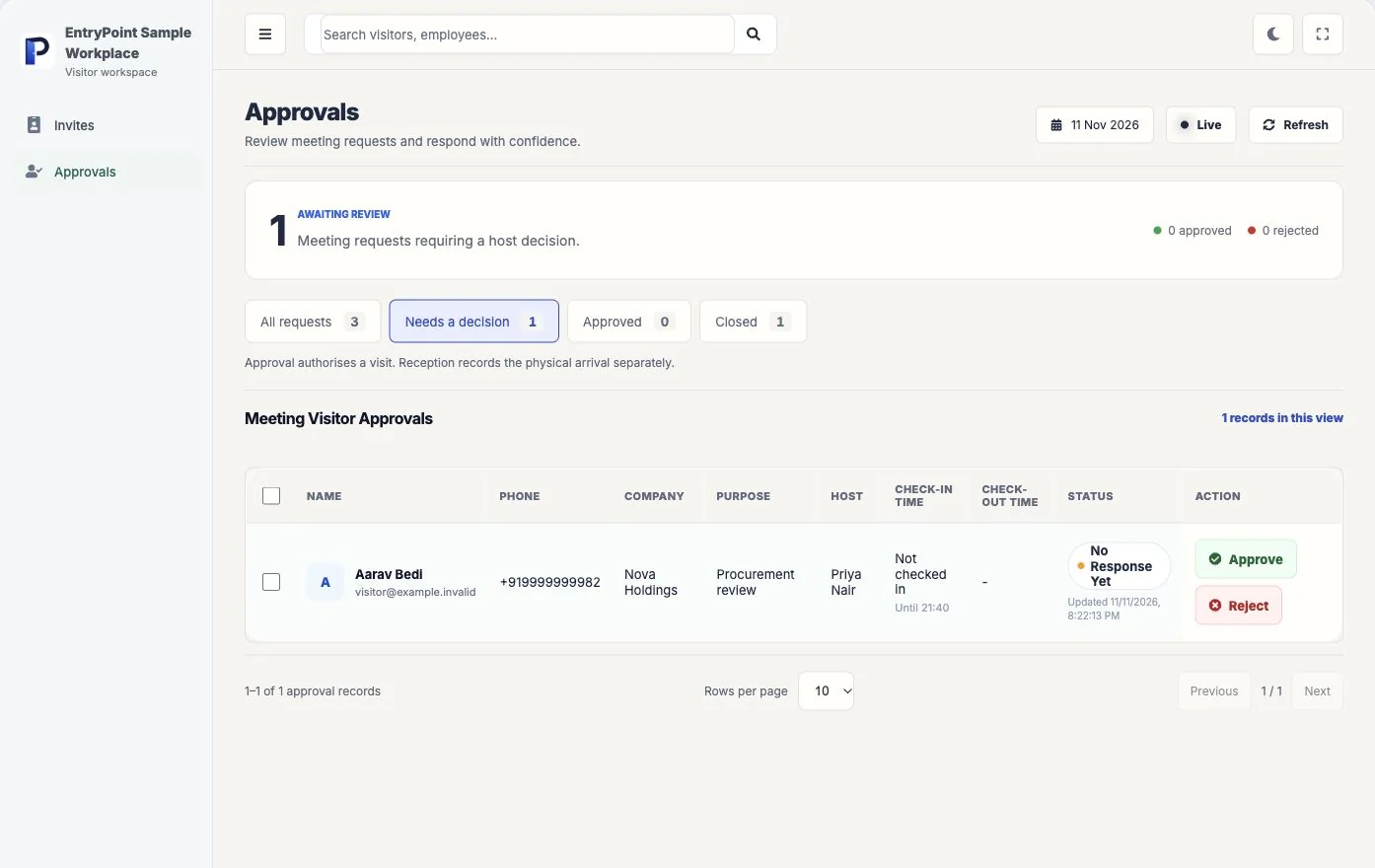
Add a test employee using their correct contact details and the access role they actually need. The role determines which workspace functions they can use.
Bring this scenario to a team walkthroughOpen the visitor form and find that host by name. Check how the name appears to a first-time guest.
Sign in as the employee using an authorised test account and review their available dashboard actions.
Check notification delivery with your configured provider. Correct old contact details and unnecessary access before inviting the full team.
Visitor forms load current employee names and contact details from the workspace directory.
Add employees individually or validate and import a structured spreadsheet in bulk.
Assign employee functions that determine the pages and actions available in their dashboard.
See what each part does, then try it with your own workplace process.
Store department, designation, contact details, availability, and job label.
Validate required fields, email formats, duplicate records, and accepted role values before import.
Control dashboard pages, widgets, routes, and actions for each employee.
Show whether a host is available, busy, in a meeting, or out of office.
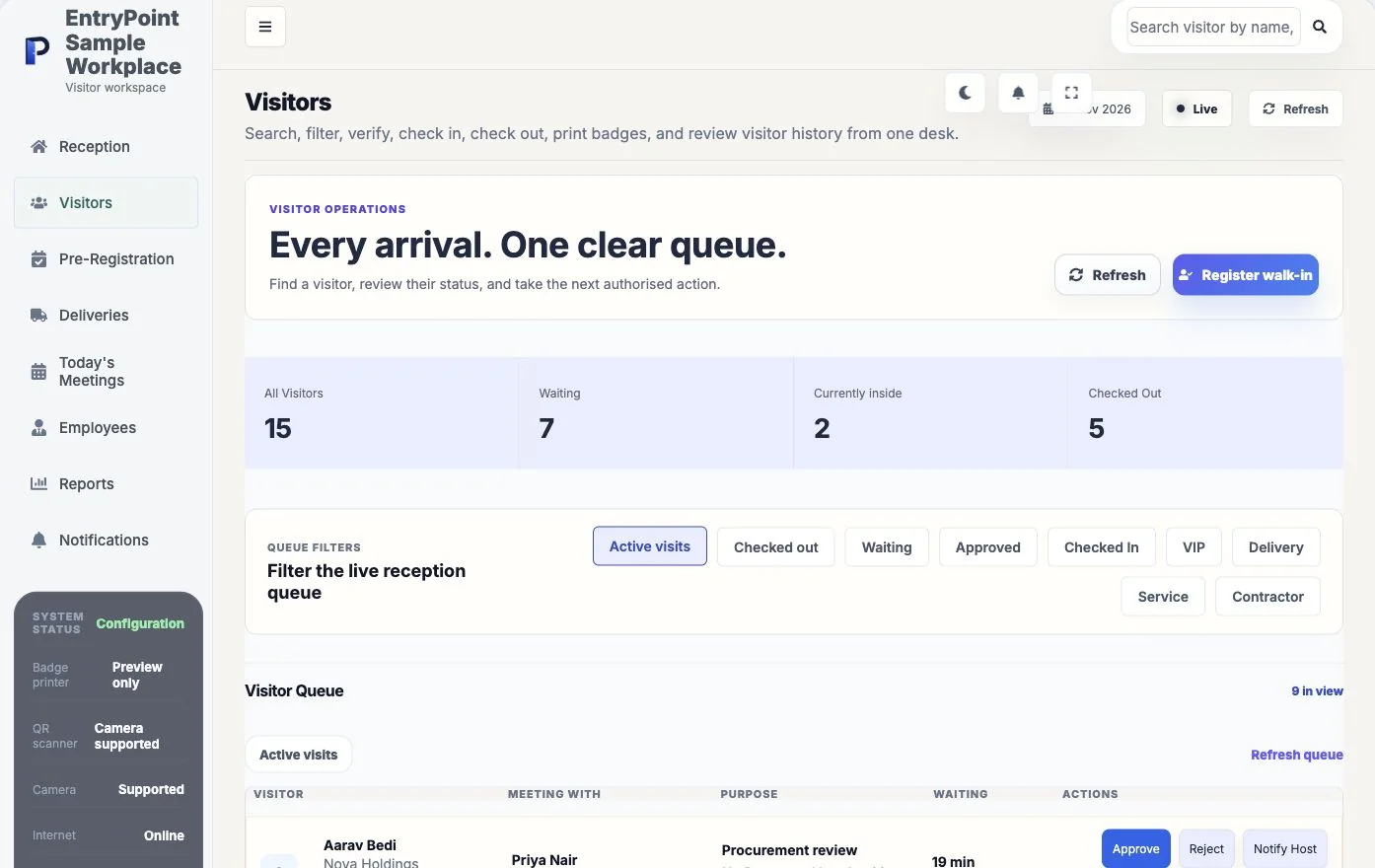
Register or recogniseUse a purpose form, invitation, visitor search, or reception workflow.
Apply workplace policyUse the workspace's approval, identity, document, and notification settings.
Complete and reviewTrack status, check-in, checkout, feedback, and reporting in one record.
Yes. EntryPoint provides a workspace-specific spreadsheet workflow with validation before valid rows are imported.
Yes. Employees can appear as hosts or recipients in the relevant visitor and delivery workflows.
Yes. Access comes from individually assigned functions rather than relying only on a role label.
Bring your questions and a real reception scenario. See the steps, check the handoffs and decide whether EntryPoint fits.