See meaningful trends
Focus on useful activity rather than empty charts or misleading percentages.
 EntryPointBY RGX APPS
Start with a real question: who arrived, who is still recorded on site, or where did a visit wait? Review the activity your team actually recorded, filter the supported reports and export what you need for the next conversation.
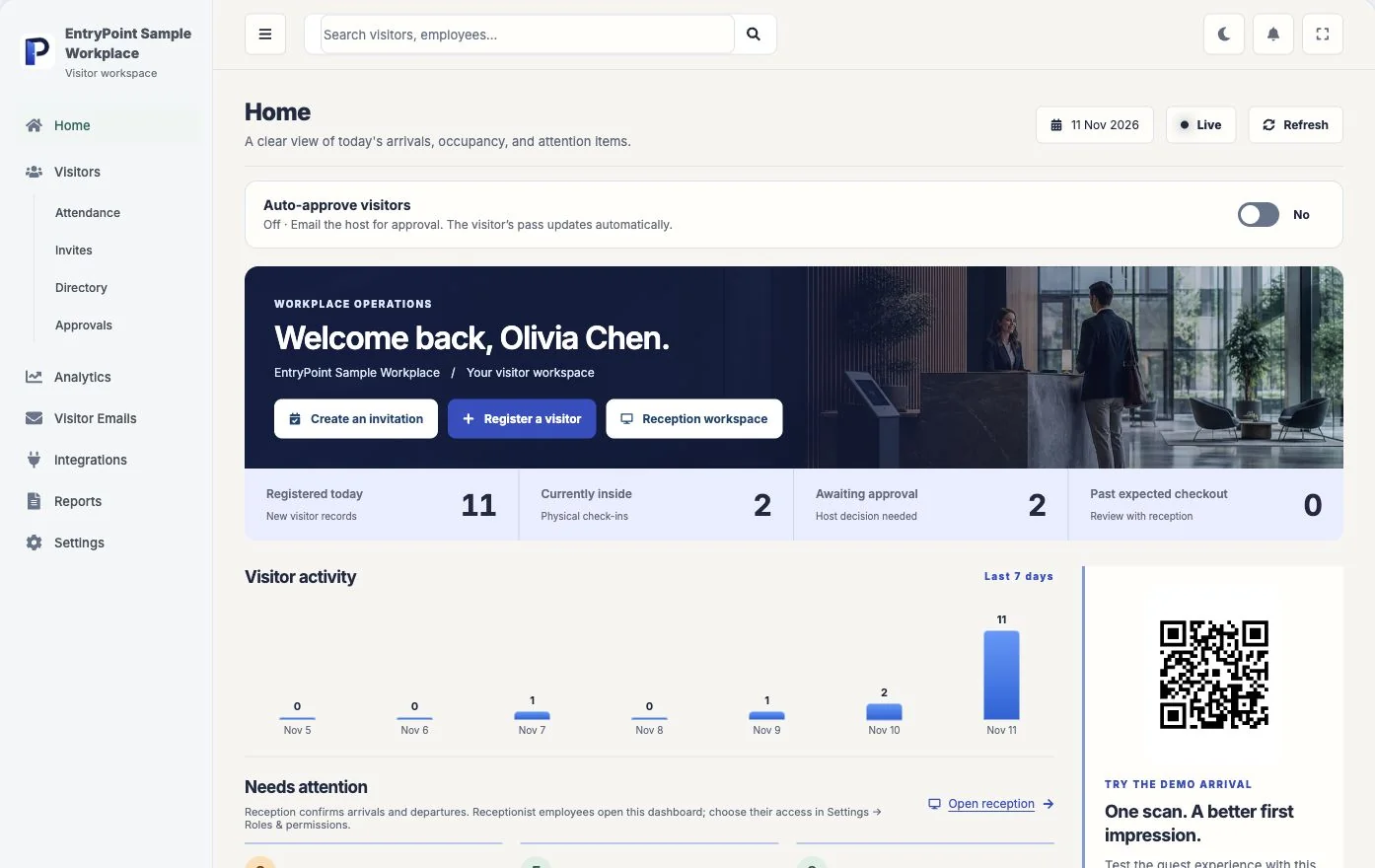
Pick one operating period and one decision, such as when reception needs cover. Use recorded visits from that period rather than a total taken out of context.
Bring this scenario to a team walkthroughCheck the date range and status filters. Decide whether you are counting requests, physical arrivals or completed visits.
Look at a few underlying records before drawing a conclusion. Missing checkouts and incomplete timestamps can change the story.
Export the supported report and review who is allowed to receive it. Keep personal visitor information within your workplace’s access policy.
Focus on useful activity rather than empty charts or misleading percentages.
Filter operational reports by today, recent periods, or a custom date range.
Use peak-hour, waiting-time, repeat-visitor, and visit-duration signals to improve operations.
See what each part does, then try it with your own workplace process.
Understand how visit volume changes across days and reporting periods.
Review waiting time, visitor status, and throughput from operational records.
Track submitted ratings and comments when visitor feedback is enabled.
Prepare visitor records for authorised operational review and sharing.
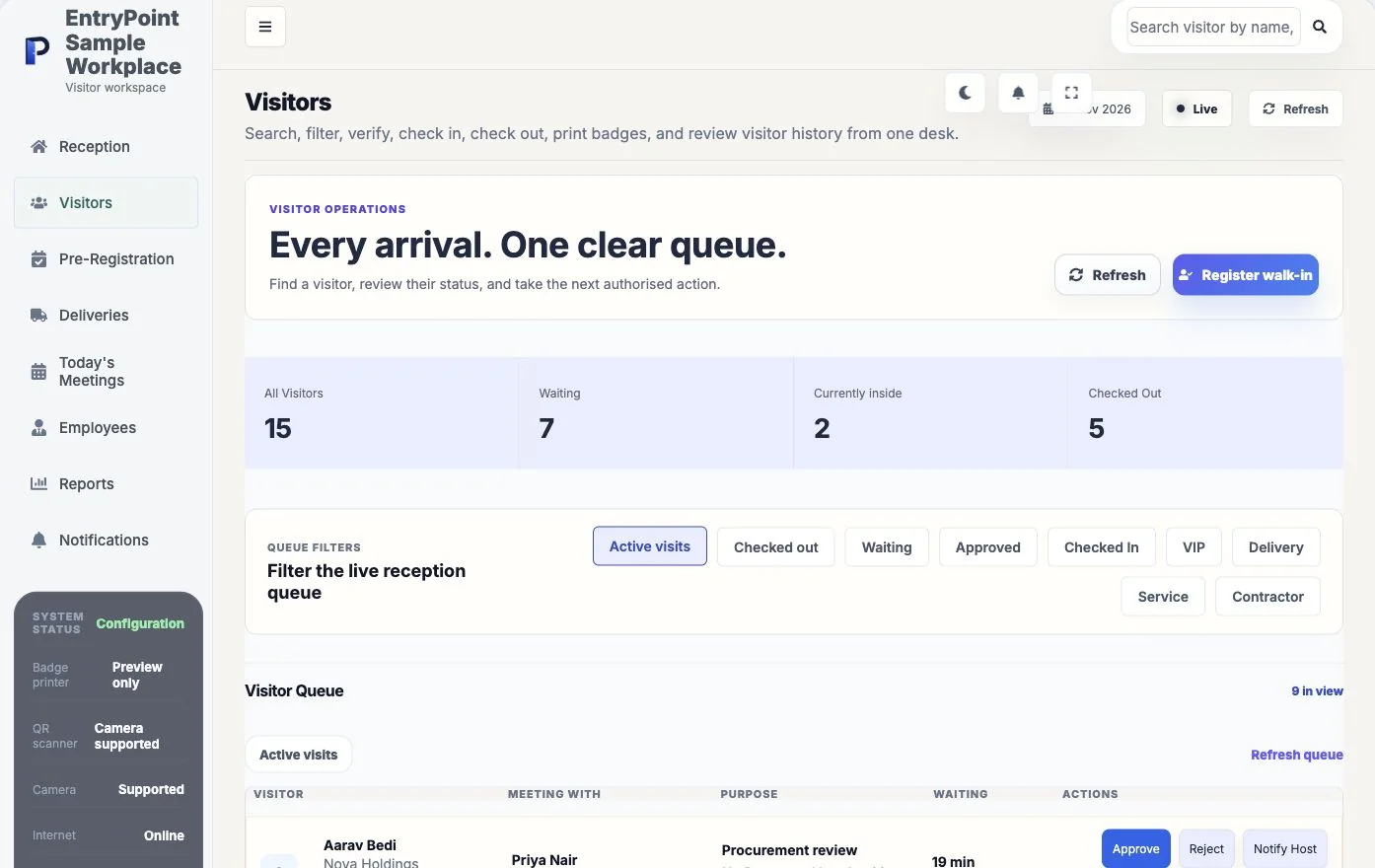
Register or recogniseUse a purpose form, invitation, visitor search, or reception workflow.
Apply workplace policyUse the workspace's approval, identity, document, and notification settings.
Complete and reviewTrack status, check-in, checkout, feedback, and reporting in one record.
Available analytics include visitor volume, status, waiting time, duration, repeat visits, peak periods, attendance, and feedback where data exists.
Yes. Reports can be filtered using predefined periods or a custom range.
No. The interface can present a clear not-enough-data state when a metric would not yet be meaningful.
Bring your questions and a real reception scenario. See the steps, check the handoffs and decide whether EntryPoint fits.