Searchable records
Find permitted visit activity without reading handwritten pages.
 EntryPointBY RGX APPS
The real comparison starts after someone writes their name. Who calls the host? Who confirms arrival? Who remembers to record departure? See how those responsibilities work in a paper register and in EntryPoint before deciding what fits your workplace.

Compare responsibilities as well as features. A digital tool still needs a clear policy and accurate actions by your workplace team.
| Workflow | Paper register | EntryPoint |
|---|---|---|
| Visitor details | A visitor writes in a shared register; staff interpret handwriting. | A visitor completes the configured digital form and selects the person to meet. |
| Host decision | Reception calls or messages the host and records the response manually. | The configured approval workflow keeps the host decision with the visitor record. |
| Physical arrival | Staff record arrival separately from any advance permission. | Reception records check-in separately from approval; approval alone does not mean on site. |
| Departure and occupancy | Staff mark departure and reconcile open entries. | Staff record checkout and review recorded on-site status. Missing checkouts still need attention. |
| Finding a past visit | Search paper pages and protect the register from unauthorised viewing. | Permitted users search operational records within their workspace and access rights. |
| Connectivity and rollout | Paper can be used without internet, but coordination remains manual. | Test internet access, devices, employee setup and notification providers; maintain a site-approved fallback process. |
For a vendor-neutral assessment of the trade-offs, read paper versus digital visitor management. To evaluate EntryPoint, use the buyer checklist.
Find permitted visit activity without reading handwritten pages.
Route meeting visitors to the correct host and show the response clearly.
Use configurable retention and access instead of leaving a shared book open at reception.
See what each part does, then try it with your own workplace process.
Manual writing, manual calls, limited search, and no live visit status.
Digital check-in, host notifications, reception actions, passes, and reporting.
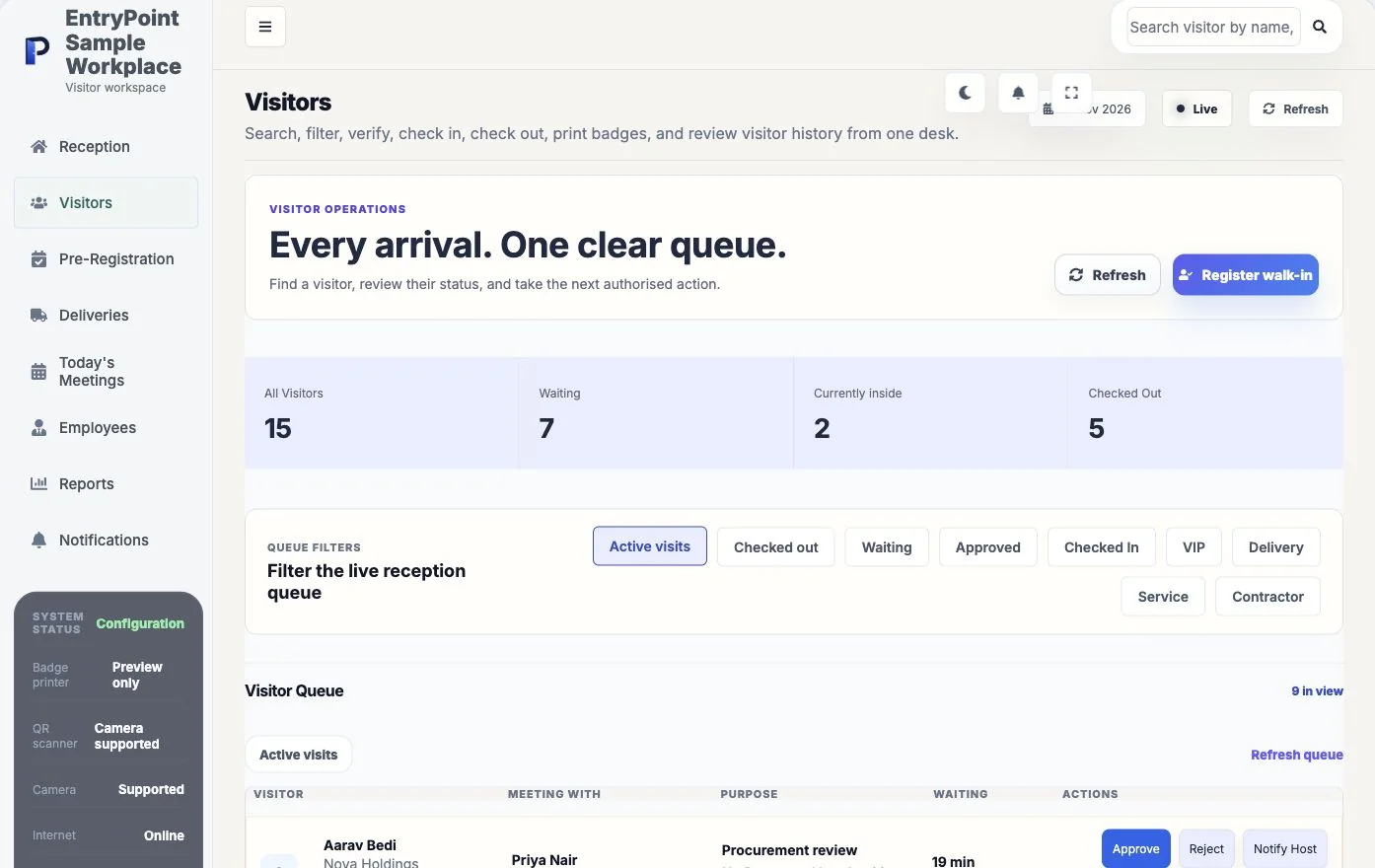
See waiting, approved, onsite, and checked-out visitors from live records.
Register or recogniseUse a purpose form, invitation, visitor search, or reception workflow.
Apply workplace policyUse the workspace's approval, identity, document, and notification settings.
Complete and reviewTrack status, check-in, checkout, feedback, and reporting in one record.
EntryPoint digitises registration and connects it with approvals, reception, status, and reports.
Yes, when access, collection, and retention settings are configured for the organisation's obligations.
Core browser-based workflows can run on common reception computers and tablets.
Bring your questions and a real reception scenario. See the steps, check the handoffs and decide whether EntryPoint fits.